Resources

Things I actually use.

Books that shape how I teach and build, plus the software I use to move from an idea to something real. Short notes on why each one earns its place.

Books

Books for design, products, and making the bet

Visual craft on one side; product judgment, customer truth, and positioning on the other.

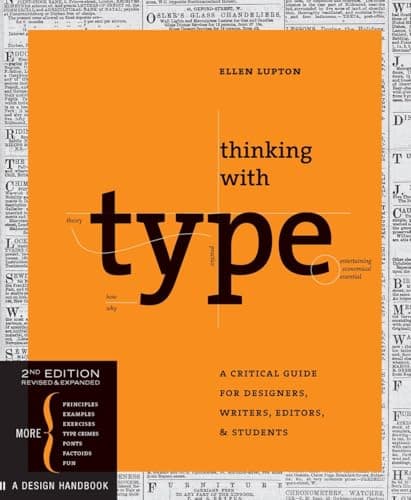
Thinking with Type book cover
Start here

Thinking with Type

Ellen Lupton

The clearest bridge I know between typography rules and the decisions you make in an actual layout.

Best for: Start here for typography, hierarchy, and learning to see language as a visual material.

Skip it if: You want a quick list of font pairings rather than a foundation in how type works.

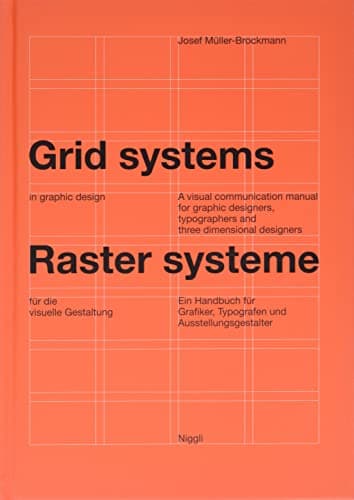
Grid Systems in Graphic Design book cover

Grid Systems in Graphic Design

Josef Müller-Brockmann

A rigorous case for treating the grid as a design decision—not a cage or a layer of cleanup.

Best for: Best when your layouts feel close, but never quite intentional.

Skip it if: You want a lightweight introduction or a modern UI pattern library.

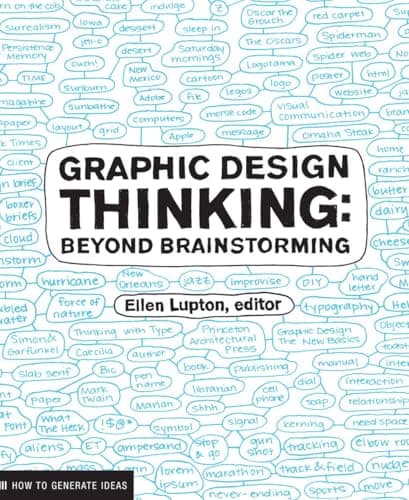
Graphic Design Thinking: Beyond Brainstorming book cover

Graphic Design Thinking

Ellen Lupton, editor

A working catalog of ways to get unstuck: define the problem, generate ideas, and turn those ideas into form.

Best for: For classrooms and early project phases when brainstorming needs structure instead of louder voices.

Skip it if: You want one prescribed process with a single correct outcome.

The American Printer: A Manual of Typography book cover

The American Printer

Thomas MacKellar

A nineteenth-century field manual that makes typography physical: type, presses, proofing, and the whole printing shop.

Best for: For tracing visual systems back to the material labor and constraints that produced them.

Skip it if: You need contemporary software instruction or an immediately practical UI guide.

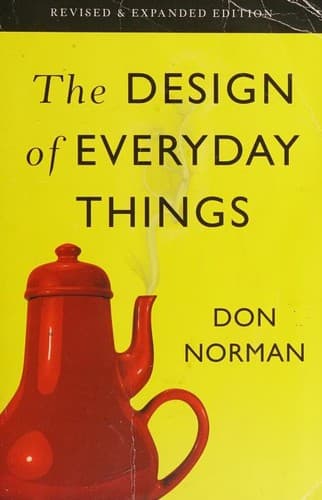
The Design of Everyday Things book cover

The Design of Everyday Things

Don Norman

A reminder that when people struggle with a product, the interface—not the person—is usually where the diagnosis should begin.

Best for: For affordances, feedback, constraints, and learning to spot when “user error” is really design debt.

Skip it if: You need a short interface checklist more than a foundational way of thinking.

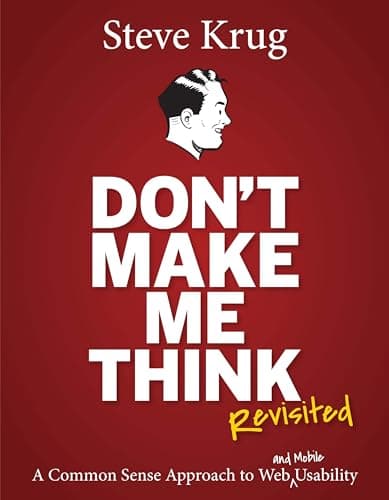
Don’t Make Me Think, Revisited book cover

Don’t Make Me Think

Steve Krug

The fastest reset for a product that has started making people study the interface instead of use it.

Best for: For navigation, scanning, usability tests, and defending clarity without pretending simplicity is effortless.

Skip it if: You already know the usability basics and need a deeper research-methods text.

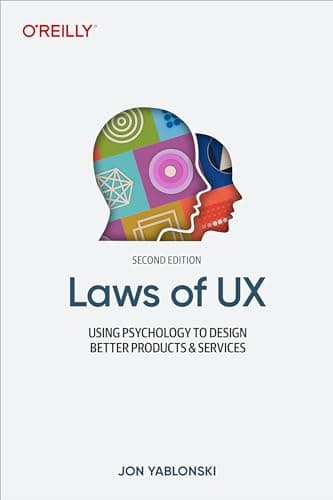
Laws of UX: Using Psychology to Design Better Products and Services book cover

Laws of UX

Jon Yablonski

A practical map from familiar psychology principles to concrete product and interaction decisions.

Best for: Useful when you need to explain why a pattern feels intuitive—not just say that it does.

Skip it if: You want an academic treatment of psychology rather than an applied reference.

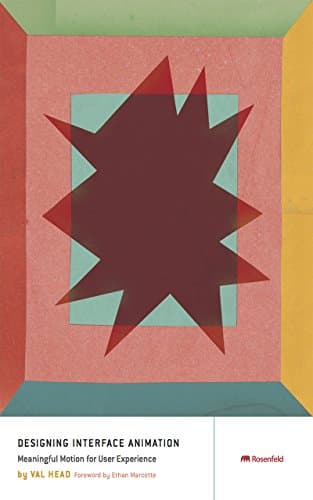
Designing Interface Animation book cover

Designing Interface Animation

Val Head

A practical guide to using motion to explain change, preserve context, and make an interface easier to understand.

Best for: For treating animation as part of the interaction model—not a decorative layer added at the end.

Skip it if: Your work is mostly static or you are still solving the core interaction first.

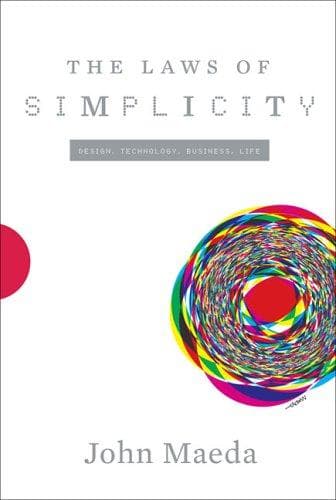
The Laws of Simplicity book cover

The Laws of Simplicity

John Maeda

A small book about the expensive work behind making complex things feel simple.

Best for: Read it when “minimal” has started to mean merely empty.

Skip it if: You want a detailed, step-by-step system for simplifying a specific product.

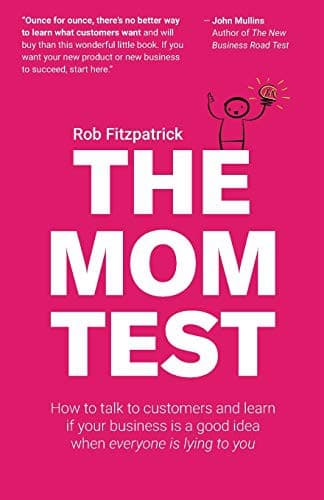
The Mom Test book cover

The Mom Test

Rob Fitzpatrick

A practical correction for customer conversations that produce compliments instead of evidence.

Best for: Useful when you need to ask about real behavior, existing pain, and commitment without pitching the answer first.

Skip it if: You are not yet planning customer conversations or testing a product bet.

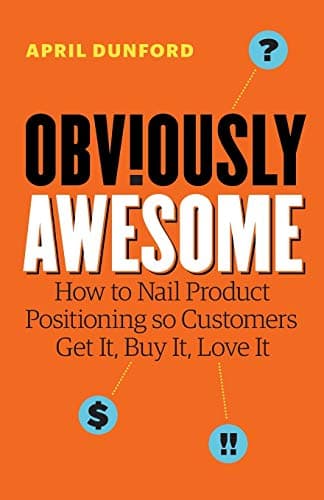
Obviously Awesome book cover

Obviously Awesome

April Dunford

A concrete way to position a product around the alternatives customers already understand and the value only you can claim.

Best for: For the moment when the product works, but the market still cannot tell what makes it matter.

Skip it if: You are still proving the underlying problem and do not yet know your real alternatives.

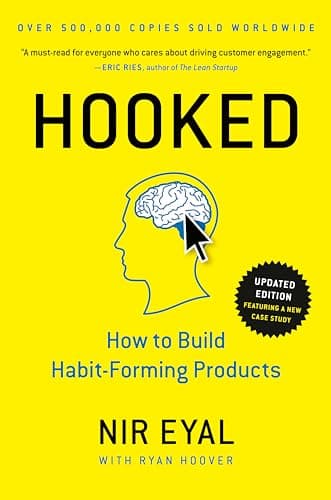
Hooked: How to Build Habit-Forming Products book cover

Hooked

Nir Eyal with Ryan Hoover

A clear model of triggers, actions, variable rewards, and investment—and a prompt to ask when retention becomes manipulation.

Best for: Read it for the model; keep the ethical question open.

Skip it if: You want a complete ethical framework for retention rather than a behavior model to interrogate.

Software

The stack behind the work

No affiliate links here yet. These are direct links to tools that are visible in the things I design, ship, and teach.

Figma

Interface design

Where I teach interface systems, work through visual decisions, and hand ideas enough structure to build.

Why it’s here: Still the shared surface I reach for when the work needs conversation.

Codex

Design + engineering agent

Where I now move from loose product questions into code, browser review, and a shippable change without losing the thread.

Why it’s here: It stays useful past the idea—through the diff, the browser pass, and the build.

Next.js

Web framework

The foundation under this portfolio and most of the product surfaces I ship publicly.

Why it’s here: A practical fit when design, content, and engineering need to stay close together.

Supabase

Database + product backend

My usual path to Postgres, authentication, storage, and enough operational visibility to run a real product.

Why it’s here: I use it when a prototype needs to become accountable to actual users.

Vercel

Hosting + deployment

Preview deployments, production releases, analytics, and the feedback loop between a branch and a live URL.

Why it’s here: The thing I value most is how little ceremony sits between an idea and a reviewable build.

Motion

Interface animation

The animation library underneath DriftKit and my preferred way to make interface movement feel physical.

Why it’s here: Use it after the interaction makes sense—not to distract from one that does not.